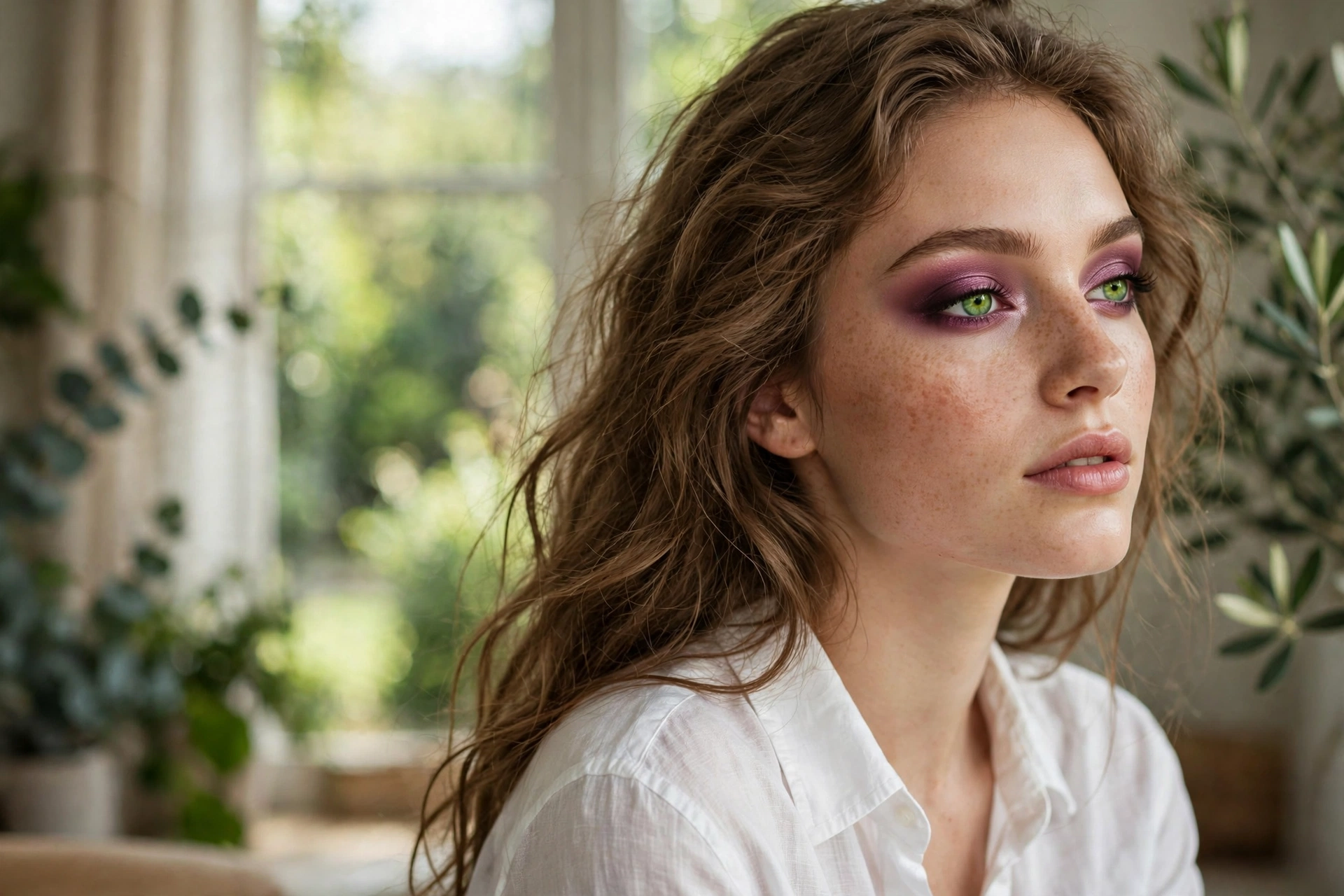
Cameras lie — they wash out color, flatten dimension, and exaggerate shine. These tips fight back.
Webcam makeup is its own skill. What looks perfect in the mirror can look washed-out on Zoom because cameras desaturate about 20% of your color and flatten facial dimension.
The fix: slightly stronger blush and brows, matte where the camera catches shine, and strategic brightness where the lens darkens.
Here are 15 camera-specific tricks. Let’s get into it.
Brighten Under-Eyes Extra

Go one step brighter under the eyes than usual — webcams deepen every shadow.
Best for: early calls. The camera adds ten years of tiredness; concealer takes it back.
Matte the T-Zone

Powder forehead, nose, and chin well. Webcam lighting turns normal glow into full shine.
Best for: everyone. Shine reads as sweat on camera, even when it’s just dew.
Define Brows Boldly

Fill brows slightly stronger than real life — low-res cameras blur soft brows into nothing.
Best for: video interviews. Brows frame your face even through pixelation.
Blush Higher and Stronger

Apply blush higher on the cheekbones and 20% stronger. Cameras eat color for breakfast.
Best for: all calls. What looks like "a bit much" in the mirror looks perfect on screen.
Satin Lipstick, Not Gloss

Satin or cream lipstick reads beautifully on camera; gloss creates a distracting white hotspot.
Best for: presentations. A defined lip keeps attention on your words, not your shine.
Avoid SPF Flashback

Heavy SPF and silica powders cause white cast on camera. Use flashback-free formulas for call days.
Best for: important meetings. Test with a selfie using flash before the call.
Light Your Face First

Face a window or use a ring light. Good light does more than any product.
Best for: everyone. Even perfect makeup looks bad in overhead-only lighting.
Slightly Stronger Everything

The 20% rule: apply everything about 20% stronger than you think. The camera dulls it all.
Best for: low-quality webcams. Better cameras need less compensation.
Groom the Hairline

Smooth flyaways and mattify the hairline — the camera crops close and notices everything.
Best for: close-up calls. A little pomade on edges goes a long way.
Neutral Eyeshadow Wash

A matte neutral wash defines eyes without shimmer that glares under ring lights.
Best for: daily calls. Matte shadows photograph cleaner than shimmers.
Lash Definition Matters

Mascara or tightlining — eyes disappear on camera without lash definition.
Best for: small eyes especially. Definition reads as "awake and engaged."
Cream Over Powder

Cream blush and bronzer look like real skin on camera; powders can look flat and chalky.
Best for: natural looks. Creams catch light the way skin does.
Lip Liner Definition

Define lip edges with liner — low resolution blurs lip boundaries.
Best for: bold lip colors. Crisp edges keep red lipstick from bleeding on screen.
Dewy, Not Shiny

Keep glow on the high points only — cheekbones, not forehead. Controlled radiance.
Best for: dry skin. Strategic glow looks healthy; all-over shine looks oily.
Camera-Distance Check

Step back to your actual sitting distance and check. Details invisible at arm’s length vanish on screen.
Best for: everyone. Your mirror lies about distance — your webcam doesn’t.
Camera-ready, always. Save these for your next call — and for in-person polish, see our office makeup looks and midday touch-up fixes.